
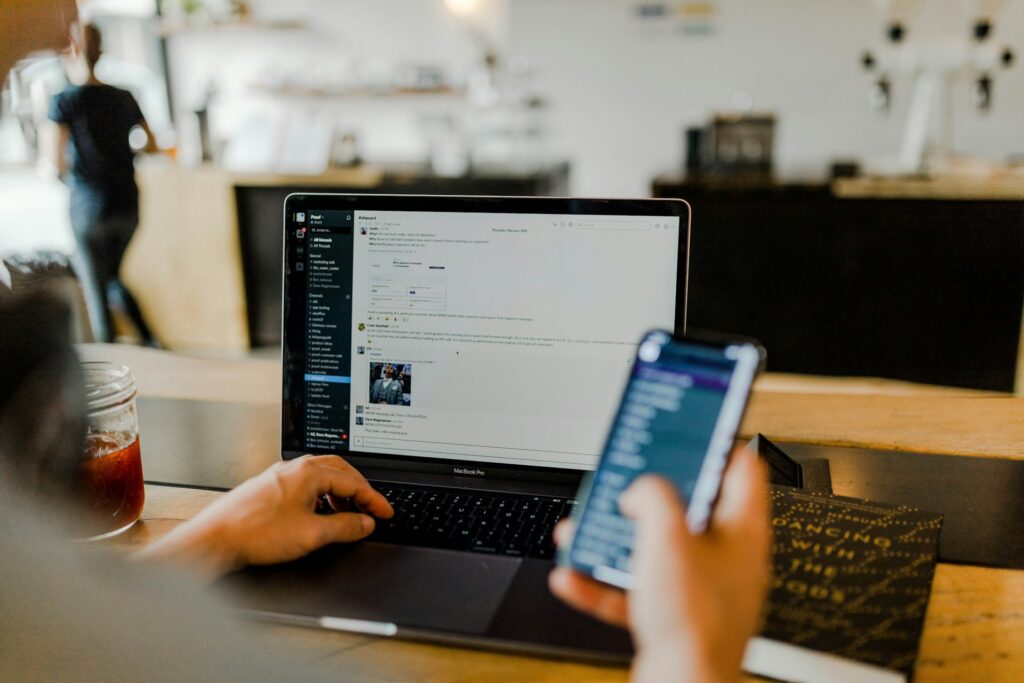
When you’re working remotely from Latin America for clients in the US, UK, or Australia, your home office isn’t just your workspace.
It’s your reputation. Your credibility. Your entire professional image compressed into a 10×10 room.
I’ve watched talented developers in Buenos Aires get passed over because they couldn’t guarantee their workspace was secure enough for client data.
It’s not fair. But it’s reality.
The good news? Setting up a home office that meets international standards isn’t complicated.
You don’t need a massive budget or a degree in information security.
You just need to understand what these clients actually care about and why.
Ready to Connect with Employers Actively Hiring Remote Workers?
Build your profile on HireTalent.LAT (Free) and let our matching do the heavy lifting.
Why International Clients Care About Your Home Office
US, UK, and Australian companies aren’t being picky for fun.
They’re dealing with regulations: GDPR, SOC 2, ISO 27001. These aren’t just acronyms, they’re legal requirements that could cost them millions if violated.
When you handle their customer data, their code, or their financial records, you become part of their compliance chain.
Your home office in Medellín or Lima or Mexico City has to meet the same standards as their office in Manhattan or London.
That’s the game.
The Three Things That Actually Matter
Forget the fancy standing desk for a minute.
International clients obsess over three things:
- Data security
- Professionalism
- Reliability
Everything else is secondary.
Setting Up Your Space the Right Way
Pick a Room You Can Lock
This isn’t optional.
You need a dedicated space with a door that locks. Not a corner of your bedroom. Not the kitchen table. A separate room.
Your mom doesn’t need to see client contracts.
Your partner doesn’t need to walk past your screen during a meeting with sensitive financial data.
One locked door solves all of this.
The Clear Desk Rule Will Change Your Life
Here’s a practice that separates amateurs from professionals: the clear desk policy.
At the end of every workday, your desk should be completely clear except for your monitor, keyboard, and maybe a lamp.
No papers with client information. No sticky notes with passwords. No USB drives lying around. Nothing.
Lock physical documents in a cabinet or safe. Log out of everything. Put devices away.
If you printed something, either file it securely or shred it.
Your Screen Needs to Lock Automatically
Set your computer to auto-lock after 5 minutes of inactivity.
Not 15 minutes. Not 30 minutes. Five.
Use strong passwords. Enable two-factor authentication on everything.
When you step away for coffee, lock your screen manually. Every single time.
This is standard practice at every serious company in the US, UK, and Australia. They expect the same from you.
The Video Call Background Test
Your background should be neutral and boring. A plain wall works.
A simple bookshelf with organized books works. A small plant works.
What doesn’t work, anything that distracts from you or makes clients uncomfortable.
The Equipment Checklist
Beyond the obvious laptop and internet connection, you need:
- A cross-cut shredder. For any paper documents with client information. Tear-and-toss doesn’t cut it for international standards.
- Lockable storage. A filing cabinet with a key or a small safe. Somewhere to secure physical documents and backup drives.
- Backup internet. A mobile hotspot or secondary provider. When your main connection drops during a client presentation, you need a Plan B.
- Climate control. If you’re in a hot region, you need AC or at least a good fan. Sweating through calls looks unprofessional. If you’re somewhere cold, a heater. Comfort affects your performance.
- Proper lighting. For video calls, you need light on your face, not behind you. A simple desk lamp pointed at the wall behind your monitor works wonders.
What About Local Regulations?
Here’s something most remote workers don’t think about: you’re subject to labor laws in your country, even when working for foreign clients.
- Brazil: If you’re classified as an employee (not a contractor), companies must provide equipment stipends under CLT reforms. Document everything.
- Mexico: The Federal Labor Law caps work hours and technically allows employer inspections of home offices. Take photos of your setup as proof of ergonomic compliance.
- Colombia: You have a legal right to disconnect after work hours. Use it. Burnout helps nobody.
- Argentina, Chile, Peru, and others: Written contracts specifying remote work status are legally required. Don’t work without one.
Most US/UK/AU companies hiring through platforms like HireTalent.lat handle these. But you should know your rights.
The Self-Audit That Protects You
Once a month, run through this checklist:
- Is my workspace lockable? ✓
- Do screens auto-lock within 5 minutes? ✓
- Are all physical documents stored securely when not in use? ✓
- Is my video call background professional? ✓
- Do I have backup internet? ✓
- Are passwords strong and two-factor enabled? ✓
- Do I shred sensitive documents instead of just tossing them? ✓
- Is my desk clear at the end of each day? ✓
If any answer is “no,” fix it immediately.
This isn’t busywork. This is how you protect yourself and your clients.
What This All Means
Setting up a home office for international clients isn’t about buying expensive furniture or tech.
It’s about demonstrating that you take their trust seriously.
Lock your door. Clear your desk. Secure your screen. Show up professionally on video. Have backup plans.
Do these things consistently, and you’ll stand out from 90% of remote workers who treat their home office like a hobby.
The clients who pay well and provide steady work? They’re looking for people who get this.
Be that person.
Author

Ready to Find Your Next Great Hire?
Join our growing community of employers and start connecting with skilled candidates in Latin America.