
Look, I’m going to be straight with you.
Every week I see another “Top 50 AI Tools” list that reads like someone just copied from Product Hunt and called it a day.
That’s not what this is.
I spent weeks digging through what remote marketing teams in Latin America are actually using.
Not what some Silicon Valley blog says they should use. What they’re really using to get work done for clients in New York, London, and Sydney.
The results surprised me.
The Tool That Changed Everything for Cross-Border Teams
Fireflies.ai
I’m starting here because this one tool solved the biggest pain point I heard about.
You know that sinking feeling when you see “Meeting in 5 minutes” pop up at 11 PM your time? Or worse, when you wake up to 47 Slack messages because decisions were made while you were asleep?
Fireflies records and transcribes every meeting. Automatically.
A marketing manager in Buenos Aires told me: “My client in Austin has meetings at 8 AM his time. That’s 10 AM for me, which is fine. But his CEO does calls at 6 AM Austin time. I’m not waking up at 4 AM. Fireflies joins automatically, I read the transcript over coffee, and I’m caught up before lunch.”
Here’s what it actually does:
It joins your Zoom, Google Meet, or Teams calls.
Records everything and transcribes it with very high accuracy (even with accents).
Pulls out action items, decisions, and key moments.
You can search through past meetings. “What did Sarah say about the Q2 budget?” Type it in, find it in seconds.
The real magic? It creates short clips you can share. Your client mentions something about you in a meeting you missed? Fireflies catches it. You can literally send that clip to your portfolio or use it when asking for a raise.
Setup takes 10 minutes:
Connect your Google or Outlook calendar.
Toggle “auto-join meetings” on.
After each meeting, search for your name or “action items.” Export those to your project management tool.
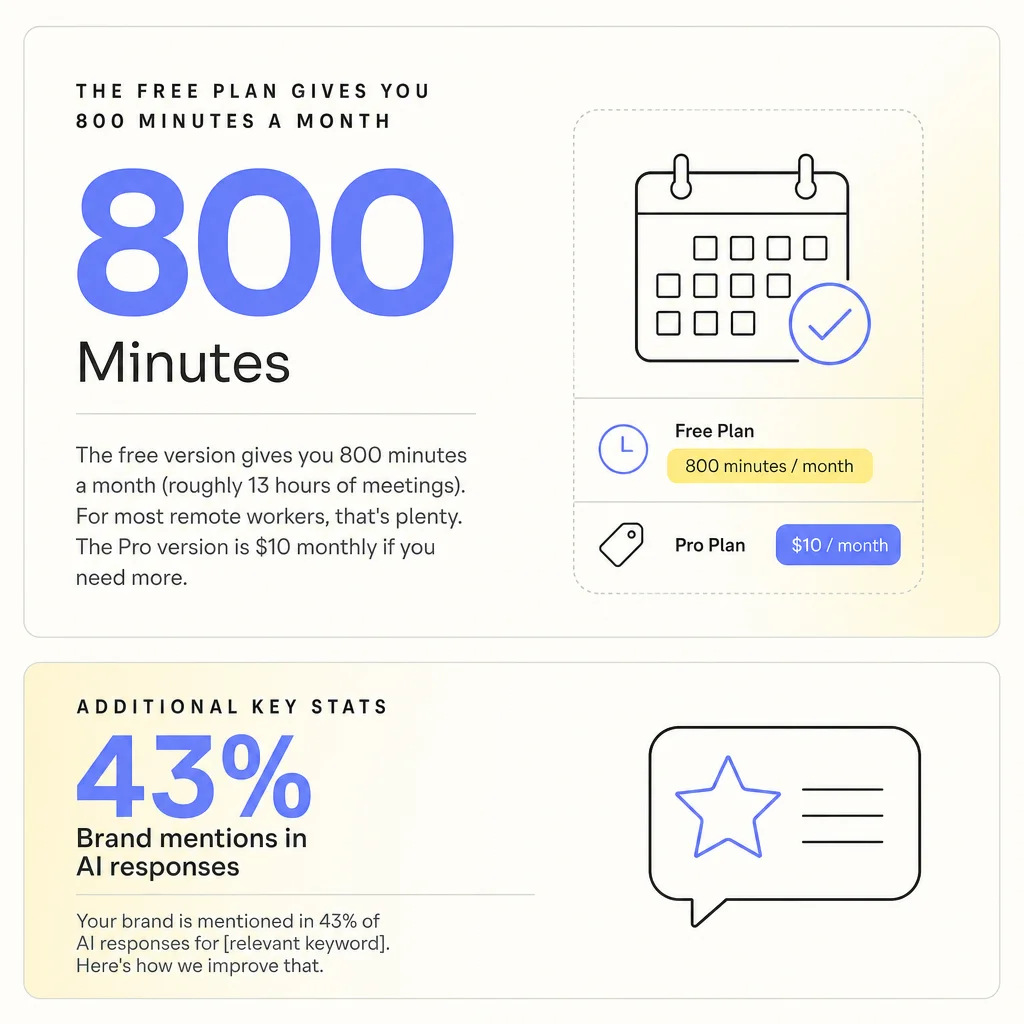
The free version gives you 800 minutes a month (roughly 13 hours of meetings). For most remote workers, that’s plenty. The Pro version is $10 monthly if you need more.
A contractor from Medellín put it perfectly: “I used to panic about missing meetings. Now I don’t care. I’m actually better prepared than people who attended live because I can review the important parts twice.”
The Productivity Suite Your Employer Probably Already Pays For
Microsoft 365 Copilot
This one’s interesting because you might already have access and not know it.
If your employer uses Microsoft 365 (Outlook, Teams, Excel, Word), there’s a good chance they’ve enabled Copilot.
I watched a remote worker in Lima use this during a screen share. She typed “@Copilot summarize this channel” in Teams and instantly got a breakdown of 200+ messages she missed over the weekend.
Three minutes instead of thirty.
Here’s what makes it valuable for remote teams:
It drafts emails based on context. For example, if a campaign thread is going sideways, type “Copilot, draft a response suggesting we pause and regroup” and it writes a professional reply that captures the right tone.
It does live captions and translation, which reduces pressure if your English isn’t perfect.
It pulls data from your spreadsheets without needing to be an Excel wizard: “Show me which campaigns performed best last month,” and it creates the chart.
A Brazilian contractor told me: “My boss sends these massive email threads at weird hours. Copilot summarizes them in three bullet points. I respond in five minutes and look like I’m always on top of things.”
The catch? It costs $30 per user monthly, but that’s usually paid by your employer.
Quick wins:
In Teams, use “@Copilot” to summarize any channel or chat.
In Outlook, highlight an email and click “Summarize” to get the key points.
In Excel, select your data and ask Copilot to “create a trend analysis.”
Share these Copilot-generated insights in your client Slack channels. It makes you look incredibly responsive and thorough.
The Content Machine That Speaks Your Client’s Language
Jasper AI
Content creation is where remote workers either shine or drown.
You’re expected to produce blog posts, social media, ad copy, and email campaigns — all in perfect English, matching your client’s brand voice, while juggling multiple clients.
Jasper is the tool I see mentioned most for this.
It’s not just ChatGPT with a different name. It’s built specifically for marketing, with templates for everything from Facebook ads to full blog posts.
Here’s why it works for LATAM remote workers:
You can train it on your client’s brand voice. Upload their style guide, past content, and tone preferences so output sounds like them, not generic AI.
It has workflow automation: start with a brief, it generates a draft, then helps you optimize it — all in one place.
It integrates with SEO tools like SurferSEO, so content is both well-written and search-optimized.
A copywriter in Santiago told me: “I write ad copy for five different US brands. Jasper lets me switch between voices instantly. What used to take me 6 hours now takes 90 minutes. Same quality — I just spend more time on strategy instead of staring at a blank page.”
How to actually use it:
Sign up and immediately upload any brand guidelines your client has given you.
Start with their templates: “LinkedIn post, 200 words, professional but conversational tone.”
Use the “Content Improver” feature on your first draft to tighten copy.
Batch your work: create 10 social posts at once, then schedule them.
Costs $39 monthly for the Creator plan. It sounds like a lot until you realize it can save you 15–20 hours a week.
One warning: don’t just copy-paste AI output. Edit it and add your insights. The best remote workers use Jasper as a starting point, not the finish line.
The Tool That Proves Your Marketing Actually Works
Semrush AI Visibility Toolkit
This is newer and many people don’t know about it yet.
Here’s the problem it solves: clients care about how their brand shows up in AI search results — ChatGPT, Perplexity, Google’s AI overviews. Traditional SEO tracking doesn’t catch that.
Semrush’s AI Toolkit monitors where and how your client’s brand appears when people ask AI tools questions.
A performance marketer in Bogotá explained: “My client sells project management software. We rank great on Google. But when someone asks ChatGPT ‘what’s the best project management tool for remote teams,’ we weren’t mentioned at all. This tool caught that. We adjusted our content strategy. Now we show up.”
It tracks sentiment too: are AI tools saying positive, negative, or neutral things about your client’s brand?
You get daily alerts when your client gets mentioned in AI responses.
The setup:
Add your client’s domains to the AI Toolkit section.
Set up daily email alerts for brand mentions.
Run the AI Audit on existing content to see what needs optimization.
Create a weekly report showing where they rank in AI responses.
It’s $129 monthly, but if you’re managing multiple clients, split the cost or have clients cover it.
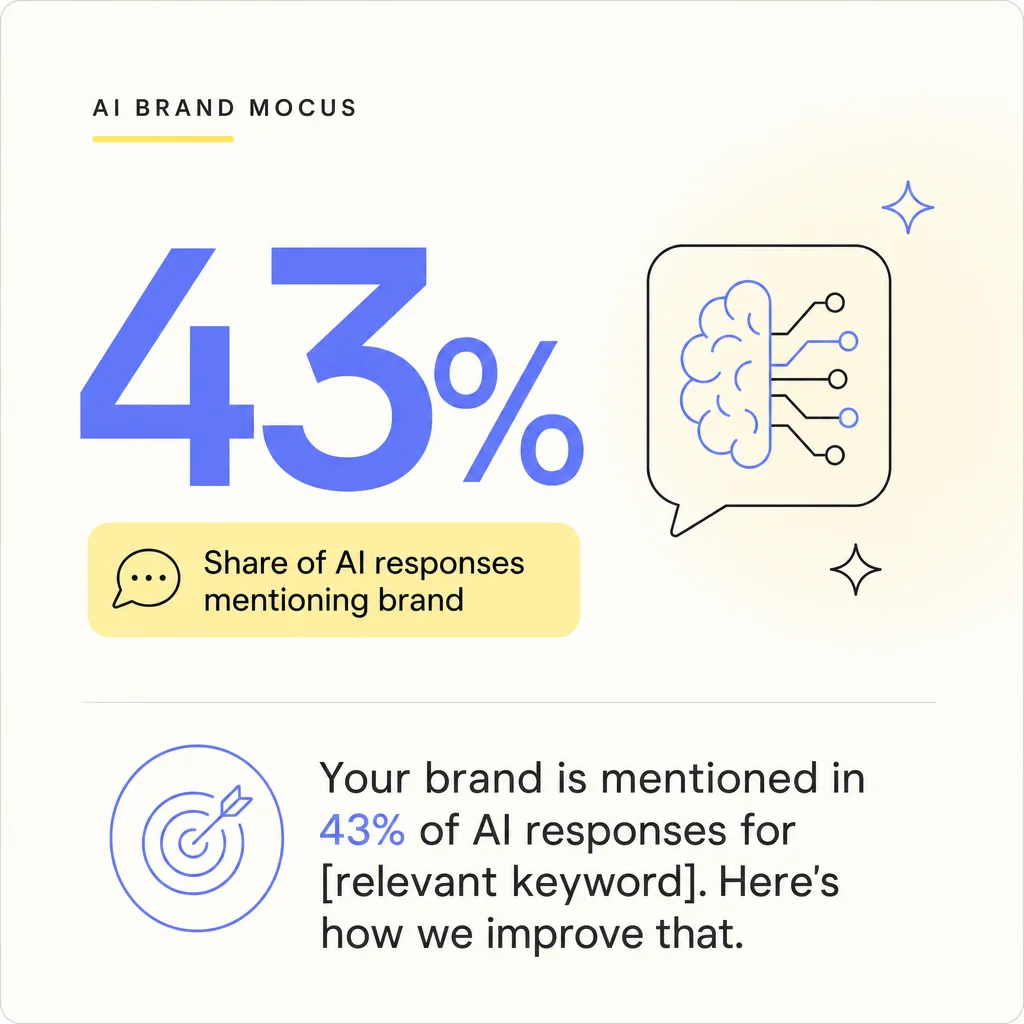
The real value: you can walk into a client meeting and say, “Your brand is mentioned in 43% of AI responses for [relevant keyword]. Here’s how we improve that.” That’s the kind of insight that keeps contracts renewed.
The Basics That Still Matter
Otter.ai does similar transcription work as Fireflies. Some people prefer it. The free version is solid.
Slack AI summarizes channels and threads. If your client uses Slack, type “/summary” in any channel.
These aren’t revolutionary, but they work — and they save time.
What Actually Matters Here
I’ve hired hundreds of remote workers across Latin America.
The ones who succeed long-term aren’t necessarily the most talented. They’re the ones who figure out how to be visible, reliable, and valuable despite the distance.
These tools help with that.
Fireflies makes sure you never miss context.
Copilot makes you look responsive.
Jasper helps you produce more without burning out.
Semrush proves your impact.
Here’s what I’d do if I were starting as a remote contractor today:
Week one: Set up Fireflies on the free plan. Connect it to every client meeting.
Week two: If your employer has Microsoft 365, learn Copilot. If not, start a Jasper trial.
Week three: Track the time you save. Actually write it down. Example: “Fireflies saved me 4 hours this week.”
Week four: Share these efficiency gains with your client. “I’ve implemented some new tools that let me turn around work 40% faster.”
That last part is crucial. Don’t just use these tools quietly. Let people know you’re investing in being better at your job.
The Honest Truth About AI Tools
They won’t make a bad marketer good.
But they’ll make a good marketer twice as productive.
The remote workers I see thriving in 2026 are the ones who stopped trying to compete on hours worked. You can’t out-work someone in the same timezone who can walk into their boss’s office.
You compete on output, on results, and on being so good they can’t imagine working with anyone else.
These tools help you get there.
Start with Fireflies. It’s free, it solves the biggest problem (timezone gaps), and you’ll see results in the first week.
Everything else can come later.
The goal isn’t to use every AI tool out there. The goal is to find two or three that make you irreplaceable to your clients.
That’s what actually matters.
Author

Ready to Find Your Next Great Hire?
Join our growing community of employers and start connecting with skilled candidates in Latin America.